
The fastest way to connect
your data to AI
Connect any database, API, or service to AI assistants like Claude and Cursor. Open-source, runs on your machine, no coding required.
$ curl -Lsf https://qaynaq.io/sh/install | bashCopyA Studio for AI Tools
Build, wire, and ship MCP tools from one workspace.
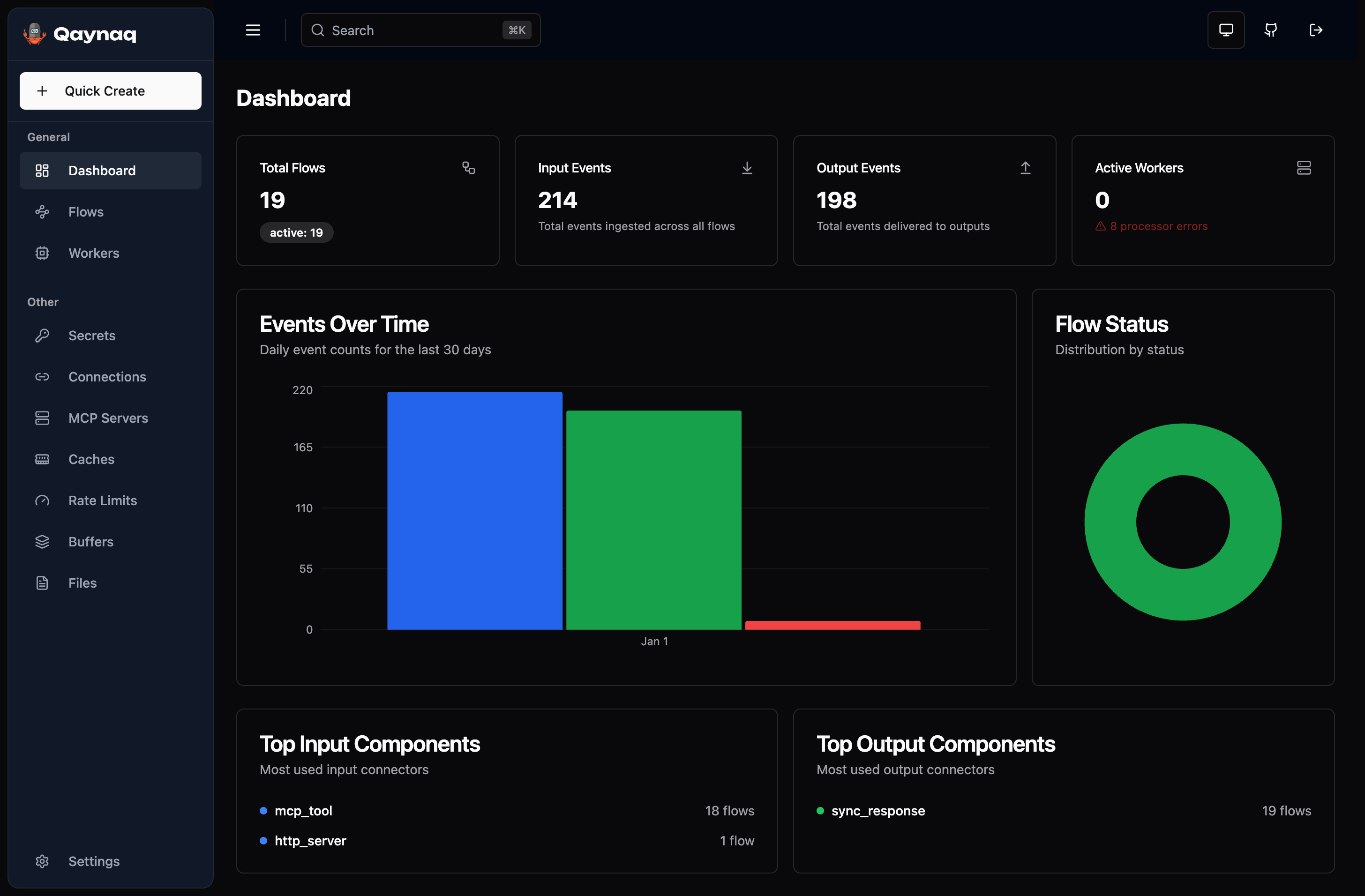
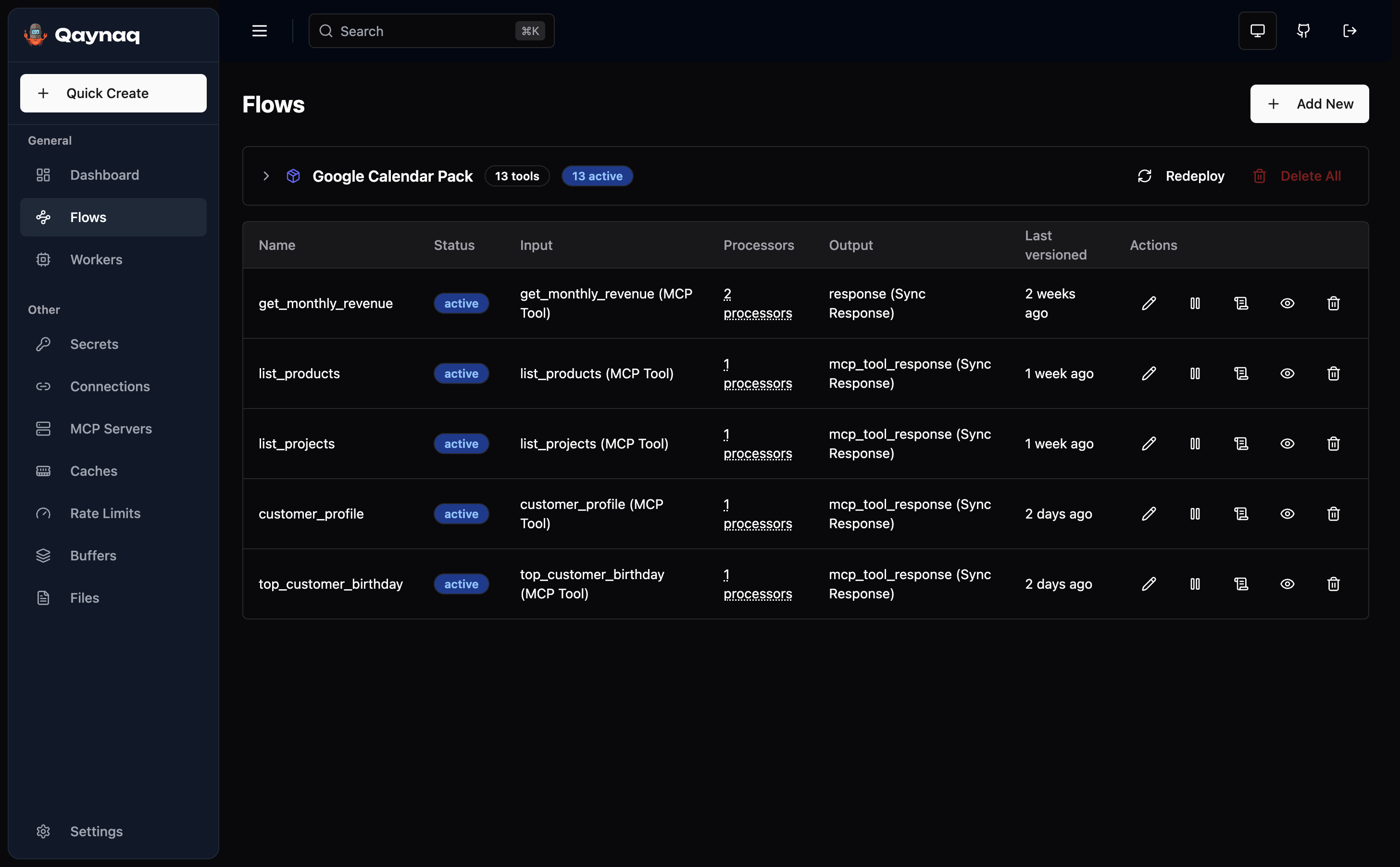
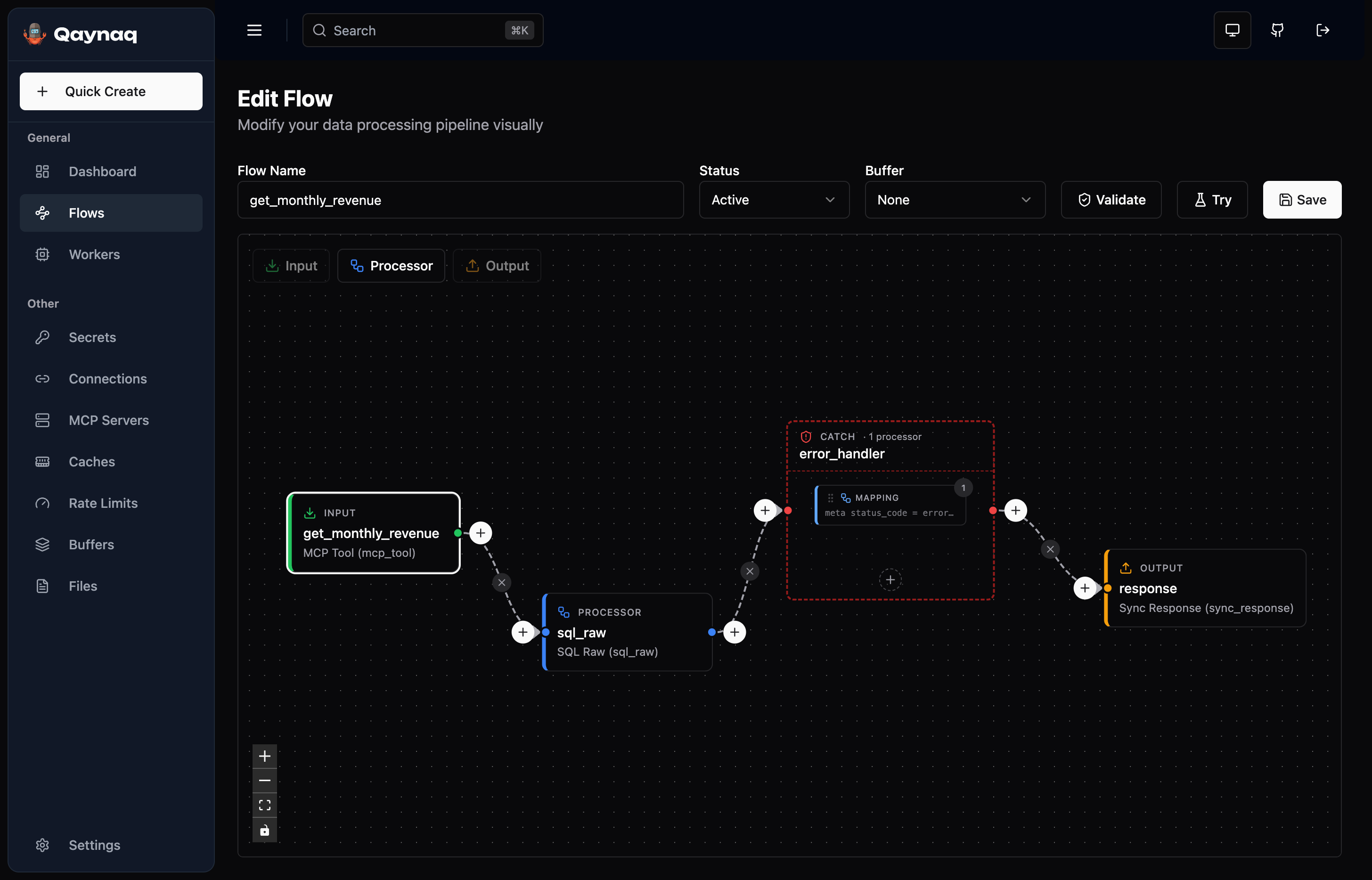
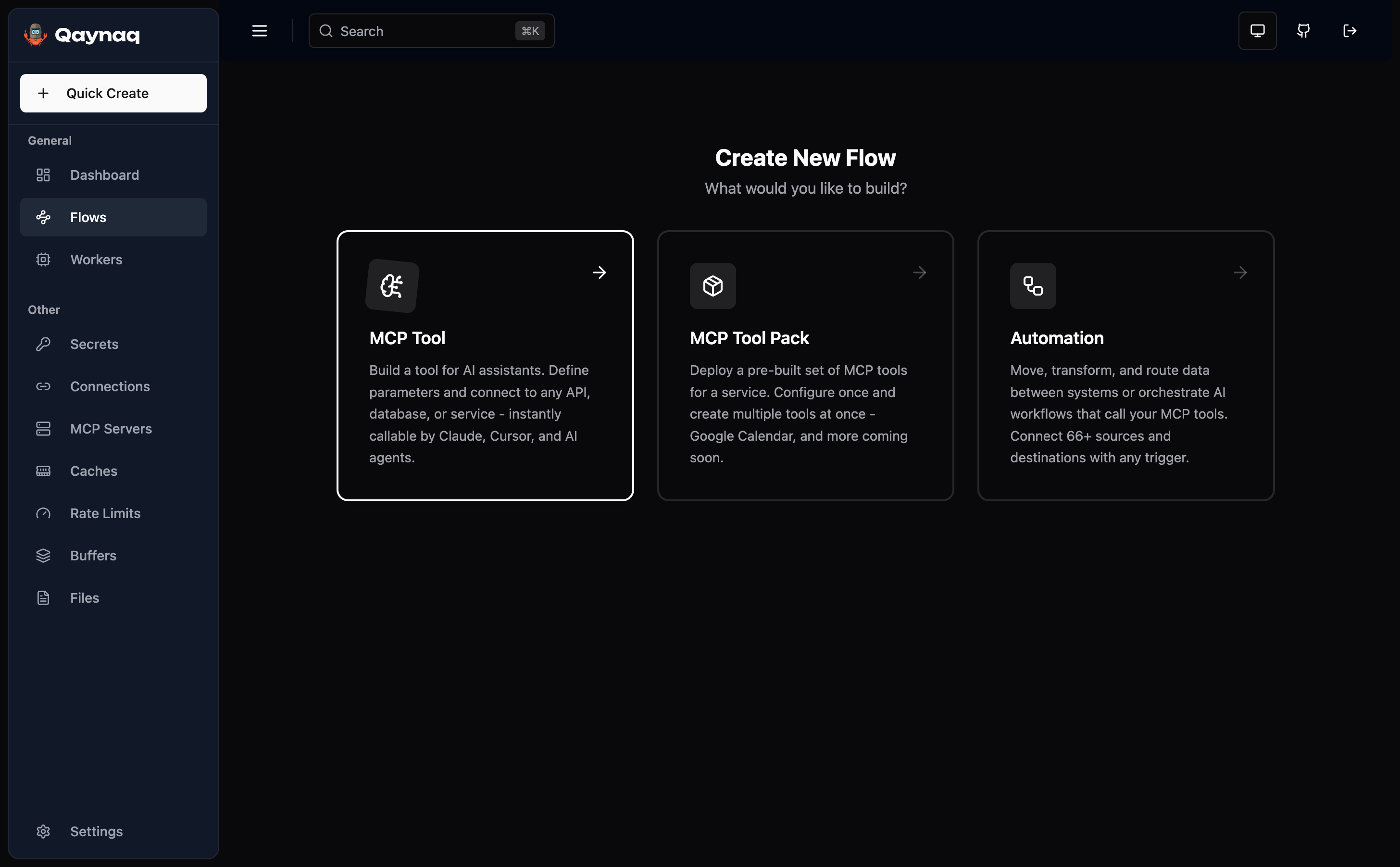
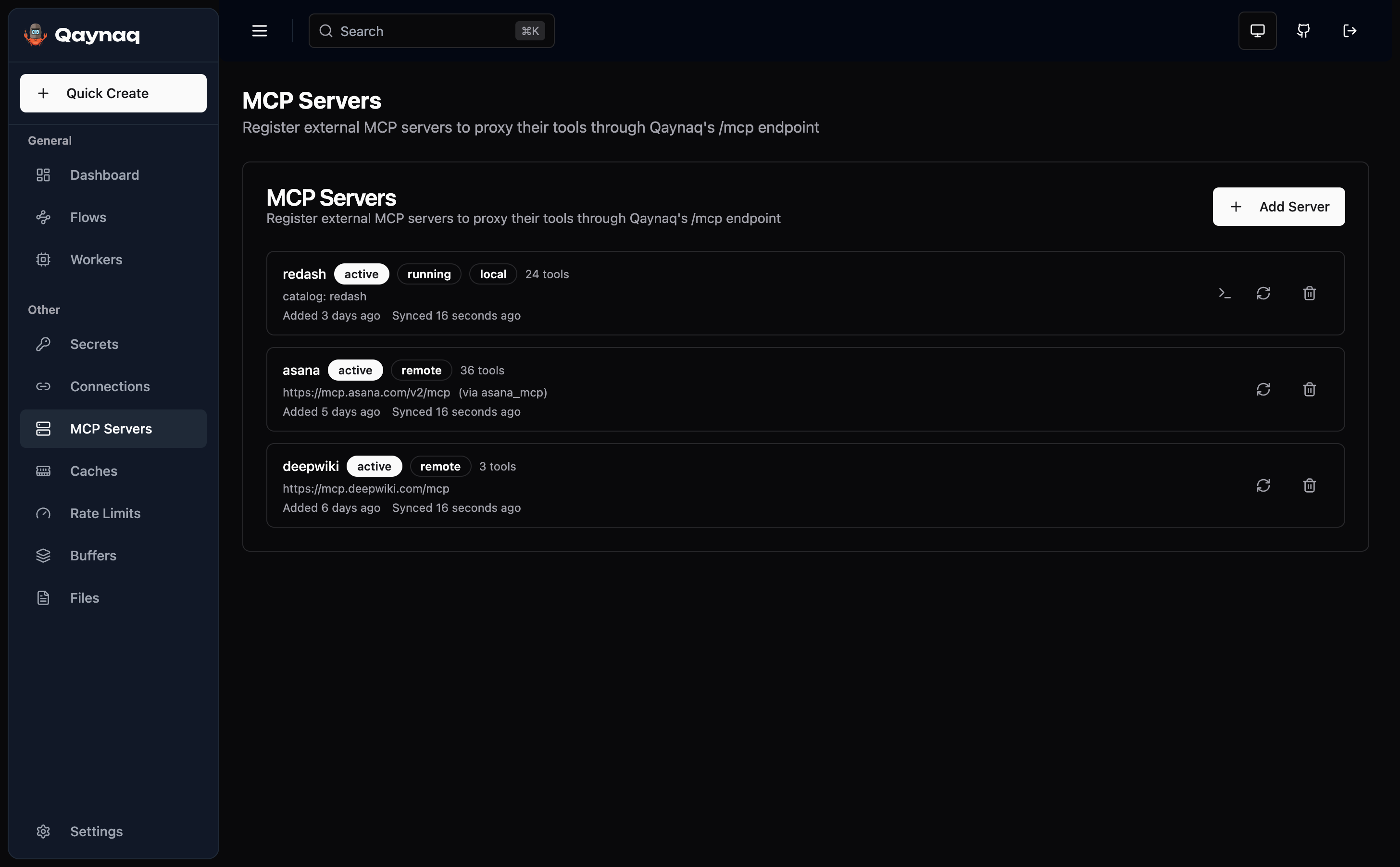
Dashboard
Watch every AI tool, every connector, every error - in real time.
What Problem Disappears
How It Works
Connect
Pick from 66+ connectors - databases, APIs, Shopify, Google Sheets, and more.
Define Tool
Set a tool name, description, and parameters. Qaynaq generates the AI tool automatically.
Ask AI Anything
Your data is instantly accessible to Claude, Cursor, and any AI assistant.
See It In Action
A few examples - and hundreds of other ideas waiting to be built in minutes.
Features
Everything you need to connect your data to AI.
66+ Connectors
Databases, APIs, Shopify, Google Sheets, Kafka, and more. If it has an interface, Qaynaq can connect to it.
Instant AI Access
Every tool you build is automatically available to Claude, Cursor, and any AI assistant via MCP.
Visual Builder
Design your data connections with a drag-and-drop editor. No code needed - just point, click, and connect.
Smart Validation
AI assistants see exactly what your tools accept - types, descriptions, required fields. No guessing.
Secure Credentials
API keys and passwords are encrypted and never exposed. Connect safely to any service.
Automation Built In
Schedule tasks, react to webhooks, and move data between systems automatically.
Why Qaynaq?
Runs on your machine or your server. Your data never leaves your network.
Install in 30 seconds. Build your first AI tool in 5 minutes.
Free forever. Open source. Your data stays yours.